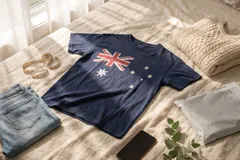
How to photograph clothes to sell without a studio
No studio, lightbox or backdrop needed. Here's how to get clean, professional-looking resale photos with just a window, your phone and a few minutes.
- Words by
 The Vintsnap team
- Published
- Reading time
- 3 minutes
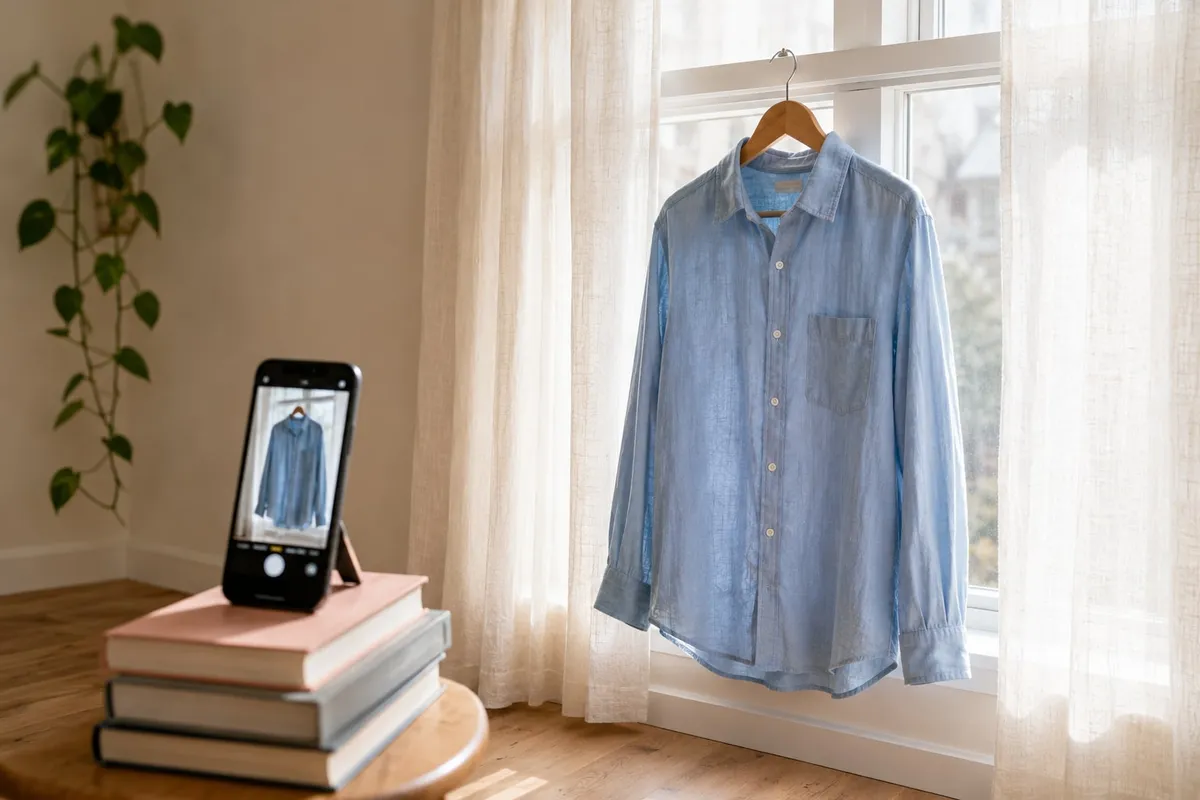
Most advice about product photography assumes you are setting up a studio: a backdrop, two lights, a tripod, maybe a lightbox for the small items. For a reseller clearing a wardrobe or listing a few pieces a week, that is far more than the job needs. You can get clean, professional-looking photos with a phone and a window. Here is how.
Start with the window, not the bulb
Daylight is the best light you have, and it is free. A large window gives you soft, even light that shows colour accurately, which is exactly what a listing needs. Shoot during the day, with the item lit from the side, and turn off the room’s ceiling light so you are not mixing warm bulb light with cool daylight. Mixed light is what gives home photos that slightly grubby, yellow-grey look.
Avoid direct, hard sun falling straight onto the garment. It blows out the highlights and casts strong shadows. If the sun is strong, a thin curtain or a bedsheet over the window turns it into the soft light you want.
Build a background from what you already own
You do not need a paper backdrop. You need one plain, uncluttered surface. Options that cost nothing:
- A blank wall, ideally white or a soft neutral.
- A made bed with plain bedding, for laying items flat.
- A clean wooden or tiled floor.
- A single-colour sheet or a large piece of card for smaller pieces.
Whatever you choose, keep it consistent and keep it clear. The aim is for nothing in the frame to compete with the item.
Hold the phone steady and square
Phone cameras are more than good enough for resale. Get the basics right and they look professional:
- Wipe the lens. A smeared lens is the most common reason a photo looks soft.
- Hold the phone square to the item, not tilted, so shapes stay true.
- Tap to focus on the garment, and gently lower the exposure if the screen looks too bright.
- Steady your elbows, or prop the phone on a shelf or a stack of books, to keep things sharp.
Edit lightly, and stop early
A little editing helps. Too much hurts. On your phone, you can usually nudge the brightness up, straighten a crooked frame, and crop so the item fills the space. That is almost always enough.
The trap is pushing the colours until the item no longer matches reality. A buyer who receives a duller, greyer jumper than the photo promised leaves a poor review and opens a dispute. Edit to make the photo accurate and clean, not to make the item look like something it is not.
Where do-it-yourself runs out of road
A window and a phone will get you genuinely good flat-lay and hanger photos. Two things stay hard without more setup. The first is showing items worn: modelling your own pieces means a mirror, a change of clothes and a willing moment, every time. The second is consistency at volume. Doing all of the above for one item is quick. Doing it identically for the thirtieth item, in the same light, on the same background, is the part that wears people down and makes a shop drift out of step with itself.
Vintsnap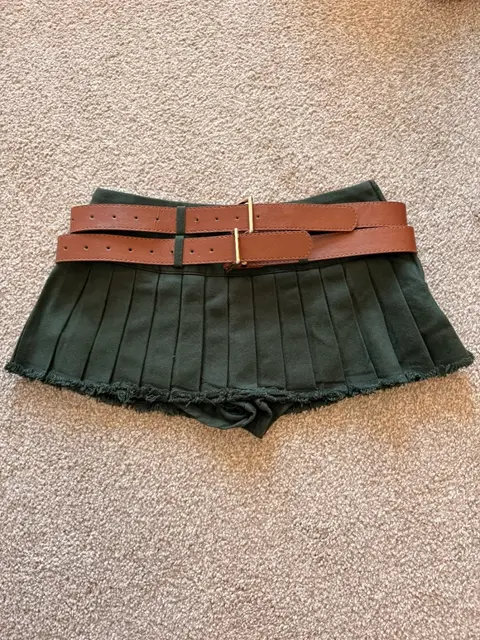 Your photo
 Vintsnap
The same skirt, photographed flat then shown on a model.
Try VintsnapIf you want the reasoning behind which items to shoot which way, our guide to flat-lay, on a model, or mannequin covers it.
Or skip the setup entirely
The window method works, and for many sellers it is all they need. It still costs you the light, the background, the reshoots and the time, item after item.
Vintsnap is the shortcut. Take one quick photo of the piece where it lies, in whatever light the room has, and it returns a clean studio-style listing photo, with the background and lighting handled and every item in a consistent look. No window to chase, no backdrop to set up, and the on-a-model shots that are hardest to do at home come back without you in them.