How to take photos for Vinted that sell faster
Seven ways to photograph secondhand clothing for Vinted, from lighting to backgrounds to the all-important first photo, so listings sell faster.
- Words by
 The Vintsnap team
- Published
- Reading time
- 4 minutes
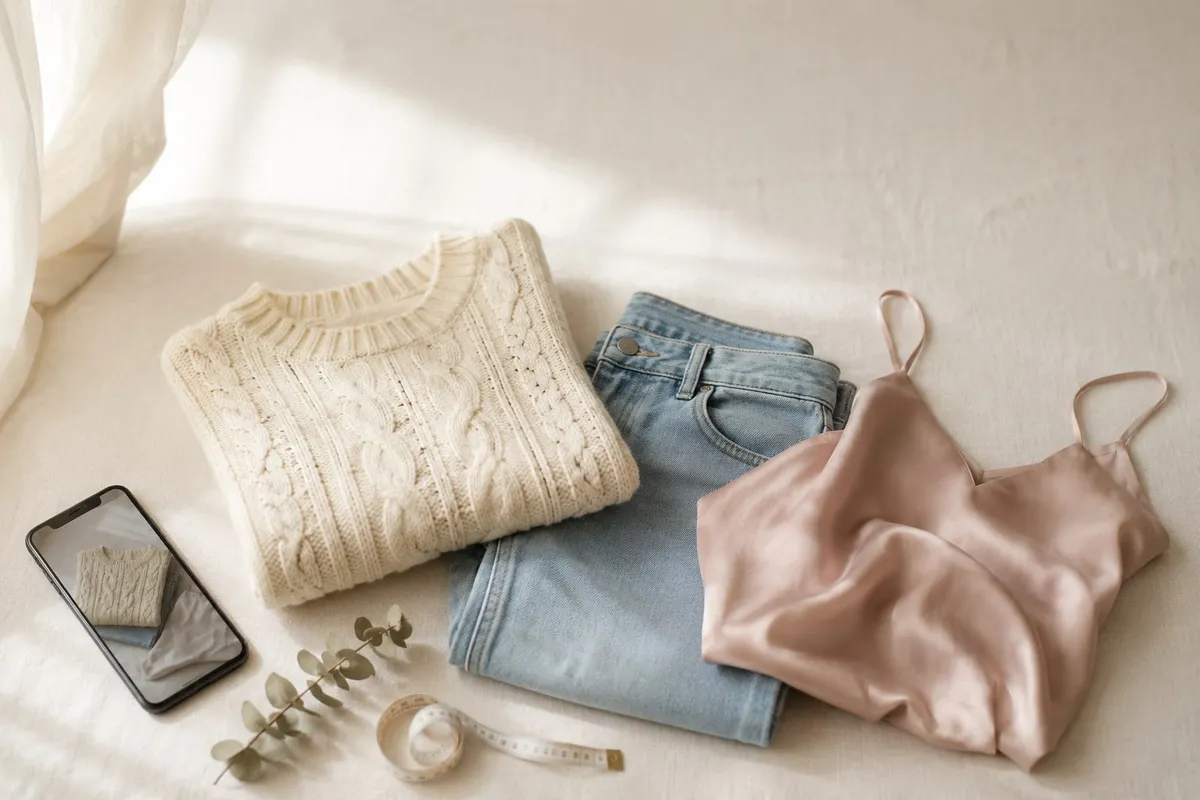
On Vinted, the photo is the listing. A buyer scrolling the feed sees a thumbnail long before they read your title, your measurements or your careful description. If that first image is dark, cluttered or hard to read, they keep scrolling, and the rest never gets a look.
The good news is that selling photos are mostly about a few repeatable habits, not expensive gear. Here are the ones that move items.
Shoot in daylight, never under the ceiling light
Natural light is the single biggest difference between a photo that looks cheap and one that looks considered. Window light is soft, even and shows true colour. The overhead bulb in most rooms is the opposite: it casts a yellow tint, drops harsh shadows, and makes navy look black and white look grey.
Set up near a window during the day, with the light coming from the side or slightly behind you. Turn the ceiling light off so the two sources do not fight each other. If the light is very bright and direct, a thin net curtain softens it nicely.
Keep the background plain and quiet
The item is the product, so everything else should get out of the way. A plain wall, a clean floor, a made bed, or a single-colour sheet all work. What you are avoiding is clutter: radiators, skirting boards, a patterned duvet, the corner of a laundry basket. Anything competing for attention makes the listing read as careless, and buyers quietly translate careless photos into careless seller.
Pick one background and reuse it. Consistency across your listings is what makes a wardrobe clear-out start to look like a shop.
Fill the frame and show the whole piece
Hold the phone square to the garment and get close enough that the item fills most of the frame, with a little breathing room around the edges. A tiny garment marooned in a sea of carpet wastes the thumbnail. Shoot straight on rather than at an angle, so shapes stay true and the buyer can judge the cut.
The first photo does ninety percent of the work
Vinted shows your first image as the thumbnail, so treat it as a shop window, not a catalogue contents page. The strongest opener is usually the clearest, most flattering full view of the item: the one that tells a buyer in half a second what it is and that it looks good. Save the close-ups of the label, the fabric and any flaws for photos two onwards.
Show the details, and the flaws, honestly
After the hero shot, add the photos that answer a buyer’s questions before they have to ask: the brand and size label, the fabric composition, the fastenings, the back. If there is a mark, a missing button or some bobbling, photograph it clearly and mention it. Counter-intuitively, an honest flaw photo builds trust and cuts returns and disputes. Buyers forgive wear they were shown. They do not forgive a surprise.
Get the angle that suits the item
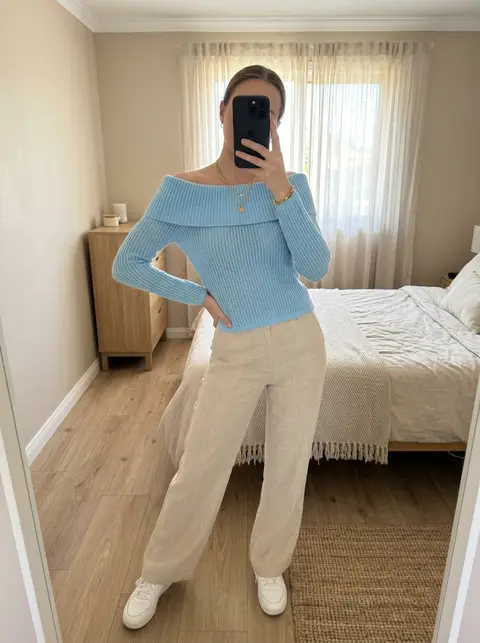
Different pieces sell best shown different ways. A structured jacket or a dress often wants to be seen worn or on a hanger so the shape reads. Knitwear, denim and t-shirts photograph well laid flat. Bags, shoes and accessories usually want a clean three-quarter angle that shows depth. If you are not sure which to use, our guide to flat-lay, on a model, or mannequin walks through the trade-offs.
Vintsnap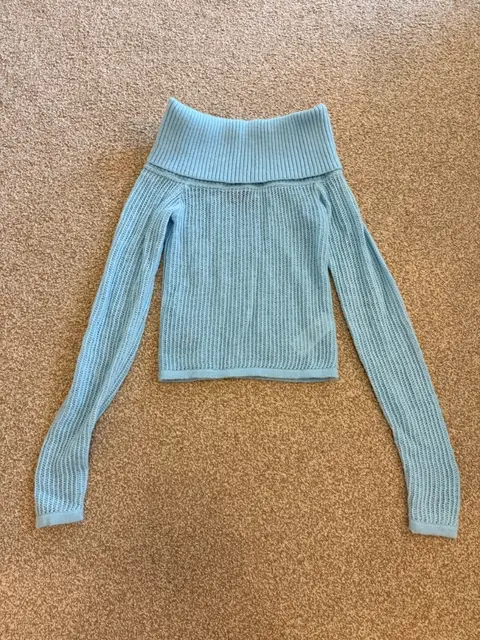 Your photo
 Vintsnap
The same jumper, photographed flat then shown on a model.
Try VintsnapMake your shop look like one shop
Once individual listings are clean, the next level is consistency: the same light, the same background, the same framing across everything you list. A buyer who lands on one good listing and clicks through to a coherent grid is far more likely to trust you, follow you, and bundle a few items together. A consistent shop also photographs faster, because you are not reinventing the setup every time.
The shortcut
All of the above is achievable with a phone and a window, and plenty of sellers do exactly that. It also takes time: finding the light, clearing the background, reshooting the ones that came out flat, and doing it again for the next item in the pile.
Vintsnap removes that step. You take one quick photo of the garment wherever it is, in whatever light you have, and it returns a clean, consistent listing photo, ready to save and post. The light is handled, the background is handled, and every item comes back in the same style, so your shop looks coherent without the setup. The photography stops being the slow part of listing.